Frame design guide
To design a frame yourself, follow this page and the app can use it as is. The canvas sizes and slot positions come from the same calculation the app uses.
Three rules
- Don't change the canvas size
Use the downloaded template as your base. Images with the wrong proportions are rejected.
- Keep the slots transparent
Don't move the slots, and keep them fully transparent: that's where the photos show through. Don't leave large transparent areas outside the slots.
- Save as a PNG with transparency
Keep the transparency when you export. Don't save as JPEG, and don't flatten the layers.
Layouts and canvases
2×6 Four Cuts
- Canvas
- 1800 × 5400 px (2 × 6 in · 900 dpi)
| Slot | x | y | Width | Height |
|---|---|---|---|---|
| 1 | 90 | 90 | 1620 | 1170 |
| 2 | 90 | 1350 | 1620 | 1170 |
| 3 | 90 | 2610 | 1620 | 1170 |
| 4 | 90 | 3870 | 1620 | 1170 |
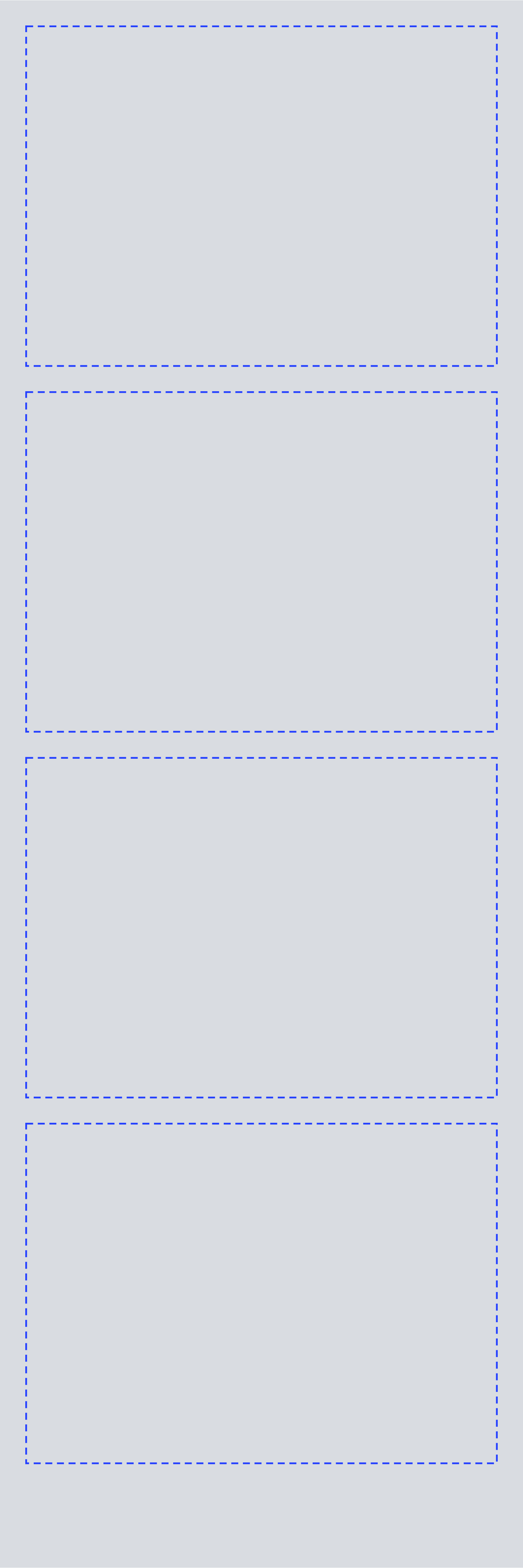
The dashed boxes in the template are the slots. Keep everything inside them transparent.
2×6 Three Cuts
- Canvas
- 1800 × 5400 px (2 × 6 in · 900 dpi)
| Slot | x | y | Width | Height |
|---|---|---|---|---|
| 1 | 90 | 90 | 1620 | 1590 |
| 2 | 90 | 1770 | 1620 | 1590 |
| 3 | 90 | 3450 | 1620 | 1590 |
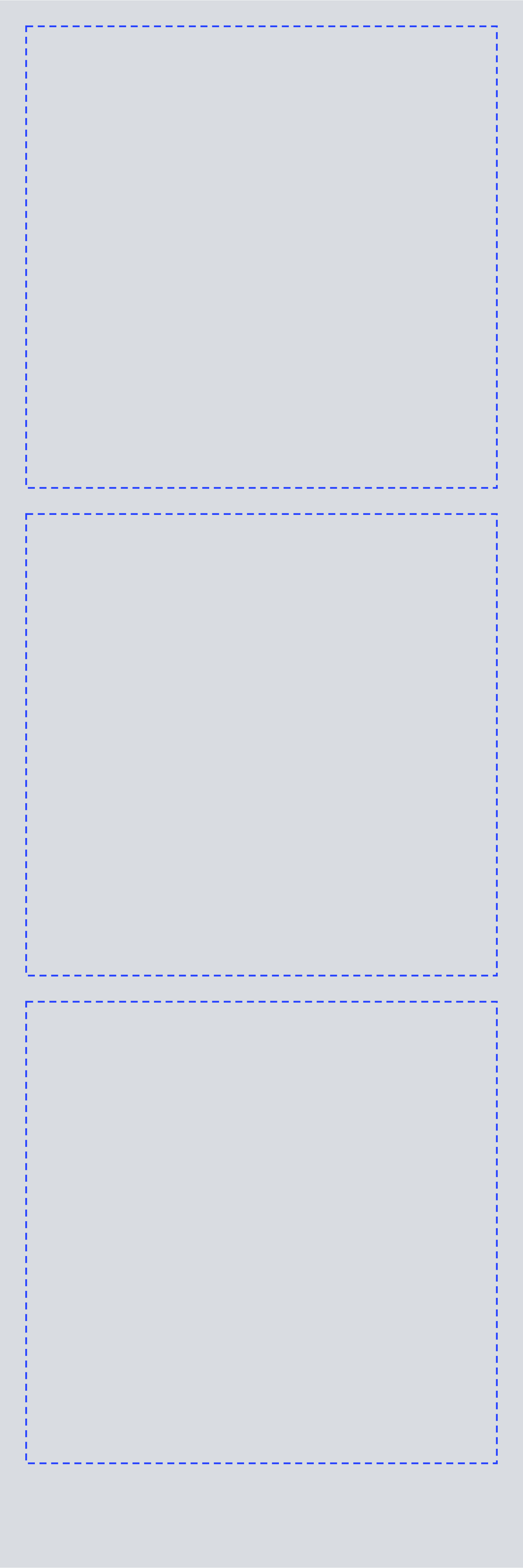
The dashed boxes in the template are the slots. Keep everything inside them transparent.
4×6 Four Cuts
- Canvas
- 3600 × 5400 px (4 × 6 in · 900 dpi)
| Slot | x | y | Width | Height |
|---|---|---|---|---|
| 1 | 90 | 90 | 1665 | 2430 |
| 2 | 1845 | 90 | 1665 | 2430 |
| 3 | 90 | 2610 | 1665 | 2430 |
| 4 | 1845 | 2610 | 1665 | 2430 |
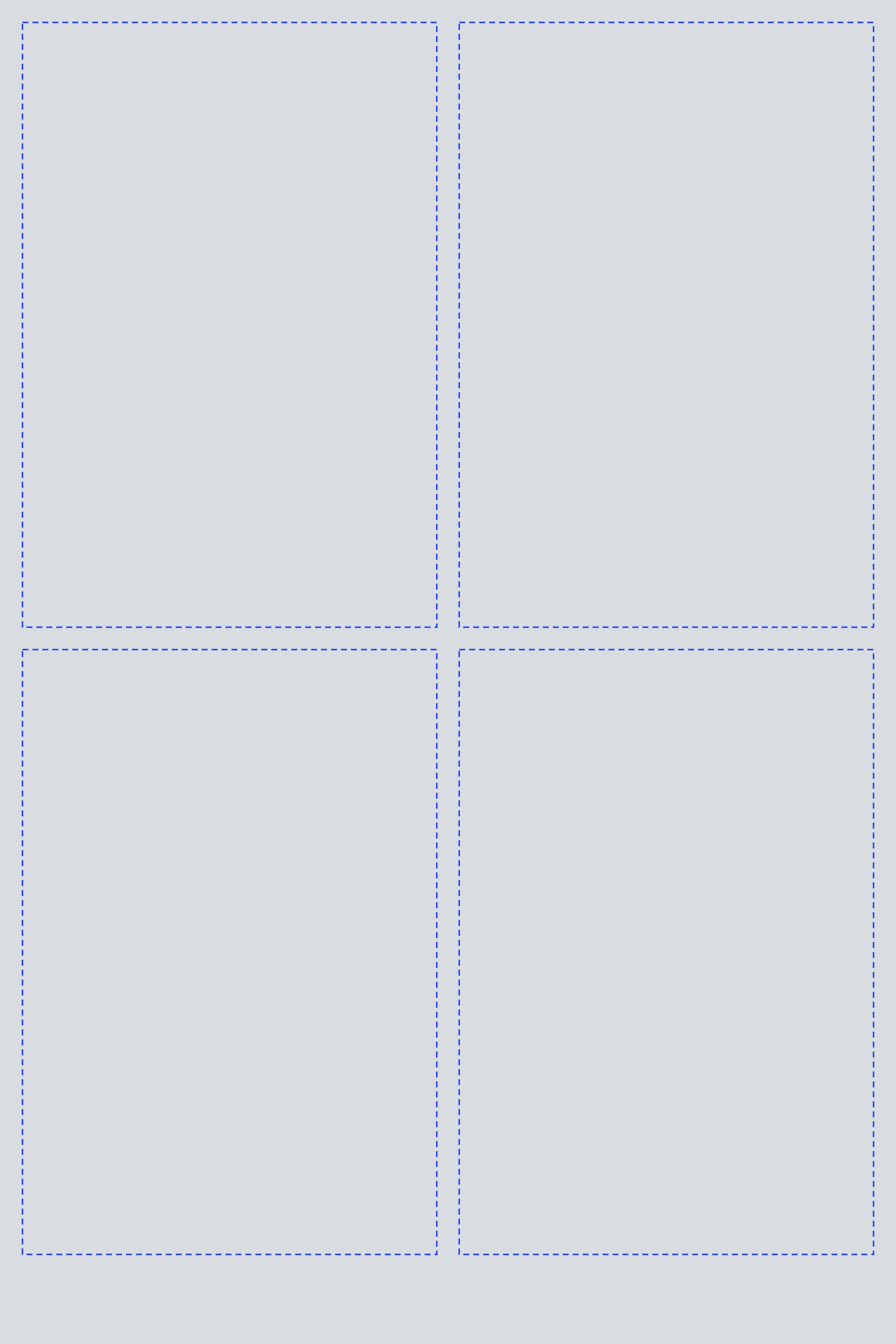
The dashed boxes in the template are the slots. Keep everything inside them transparent.
Submitting
Upload a finished frame from the submission page; it goes live once it's approved. Read the review guidelines and the submission terms before you submit. Submissions are unpaid.